
Automatic capture
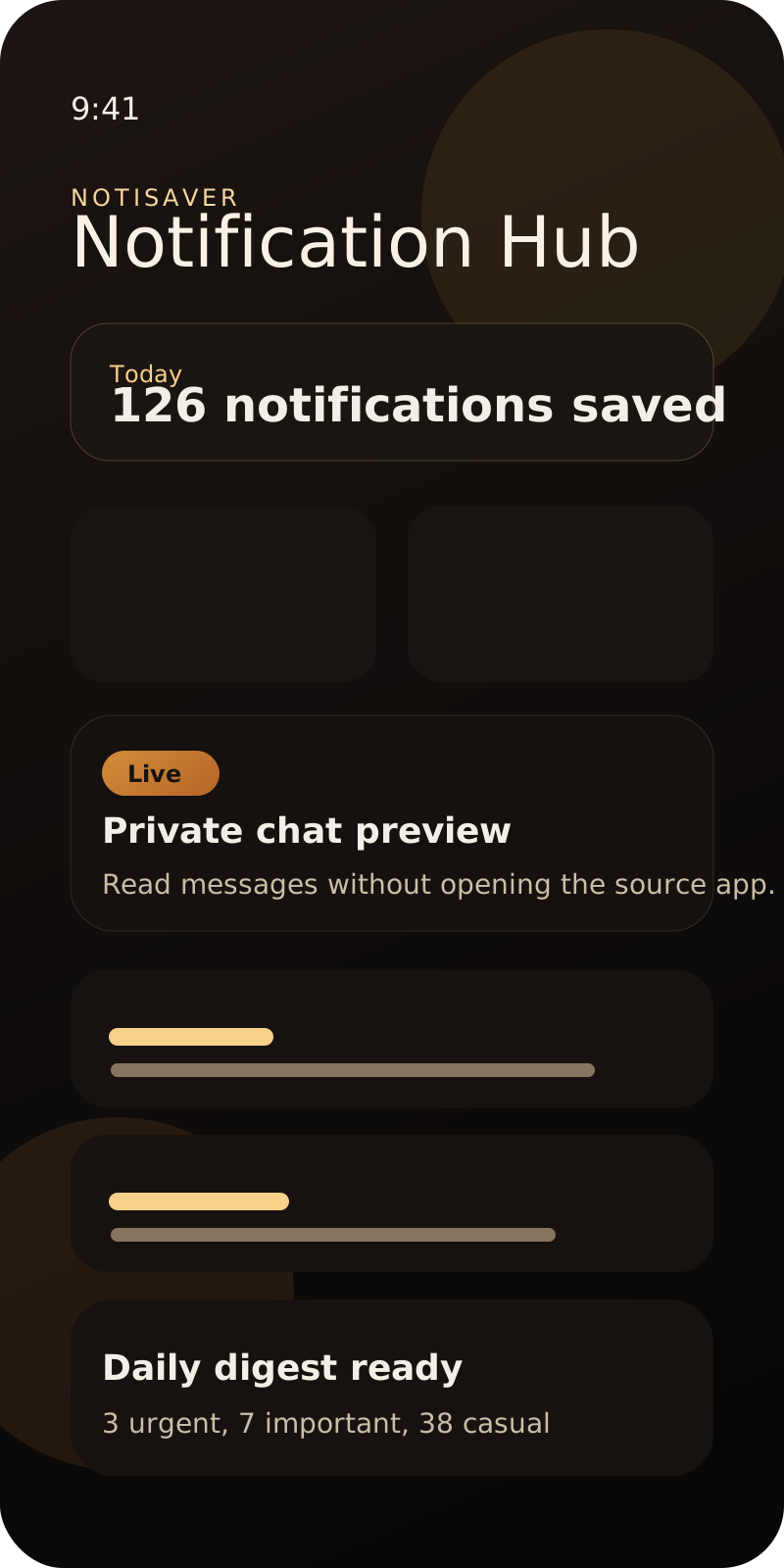
Every supported notification is logged in the background, so swiped alerts are still there when you need them.
Android 8+ | Privacy-first | Free to start
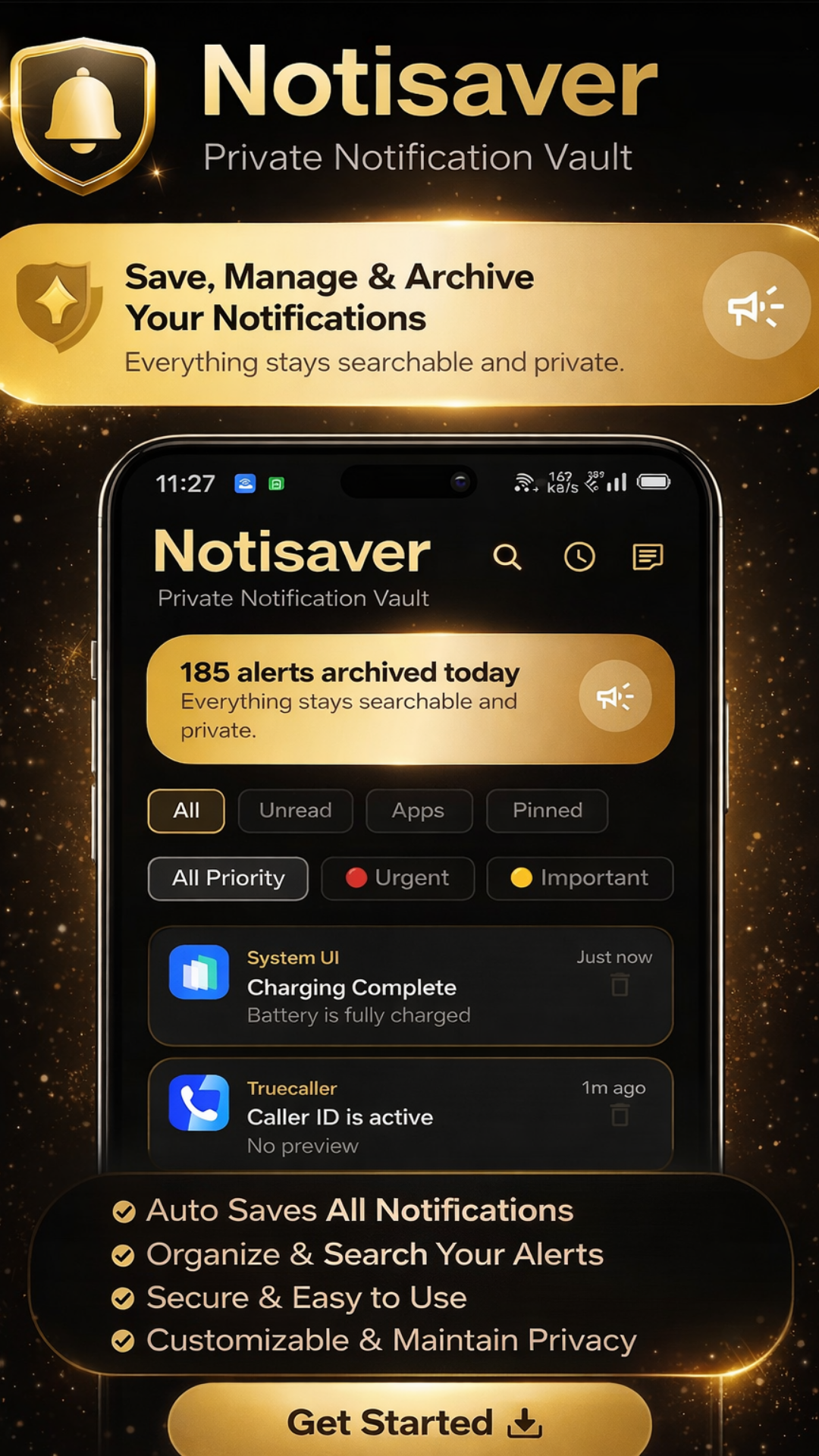
Notisaver captures the alerts you would normally lose, keeps them searchable, and lets you review chats without opening the source app.
Features
Notisaver captures, organizes, and protects your notifications so nothing gets lost.
Every supported notification is logged in the background, so swiped alerts are still there when you need them.
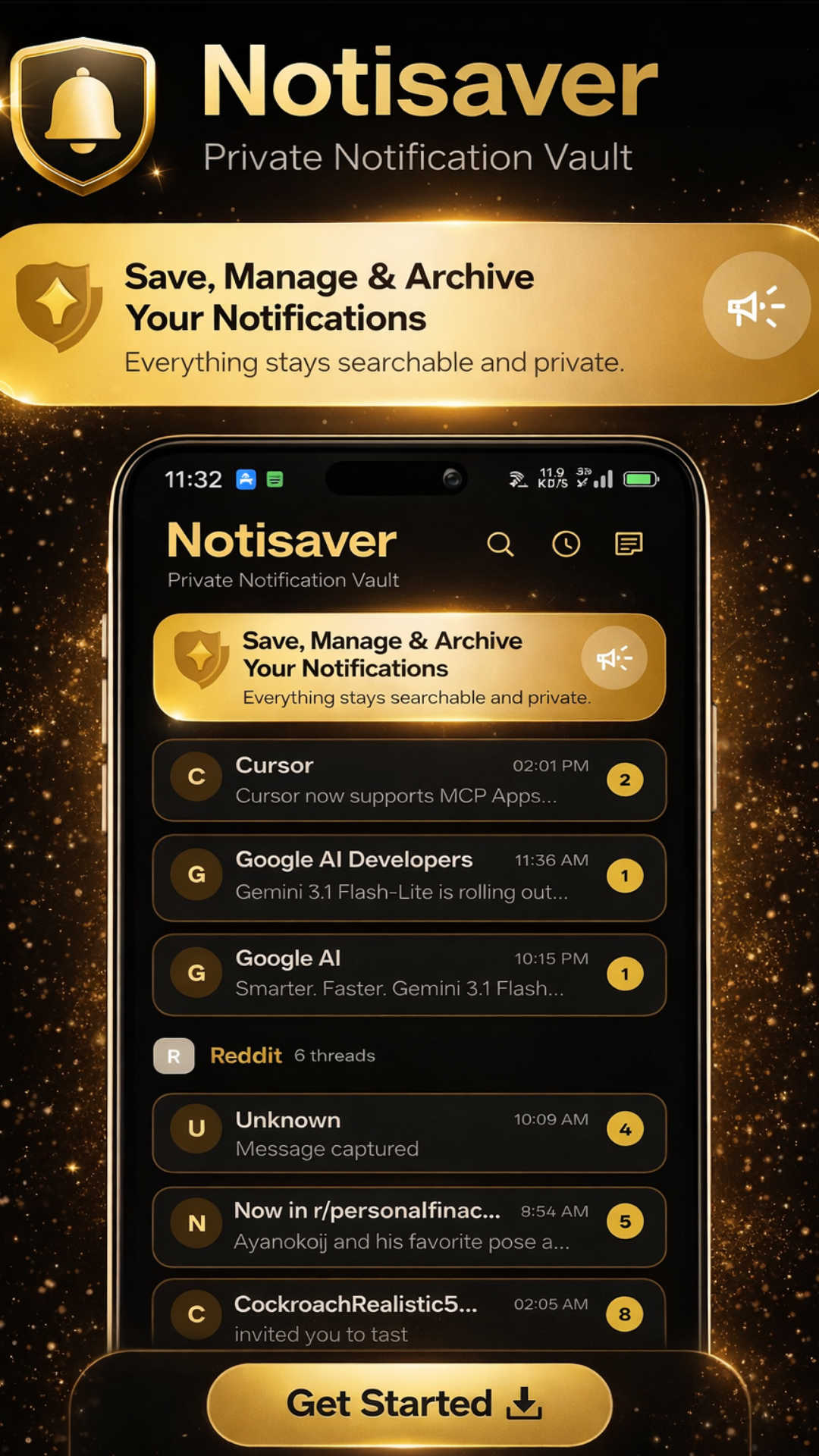
Review WhatsApp, Telegram, Messenger, and similar message previews without opening the original app.
Grouped chat-style views make long notification streams readable instead of turning them into a flat dump.
Urgent, important, and casual labels help you spot signal when the inbox is overloaded.
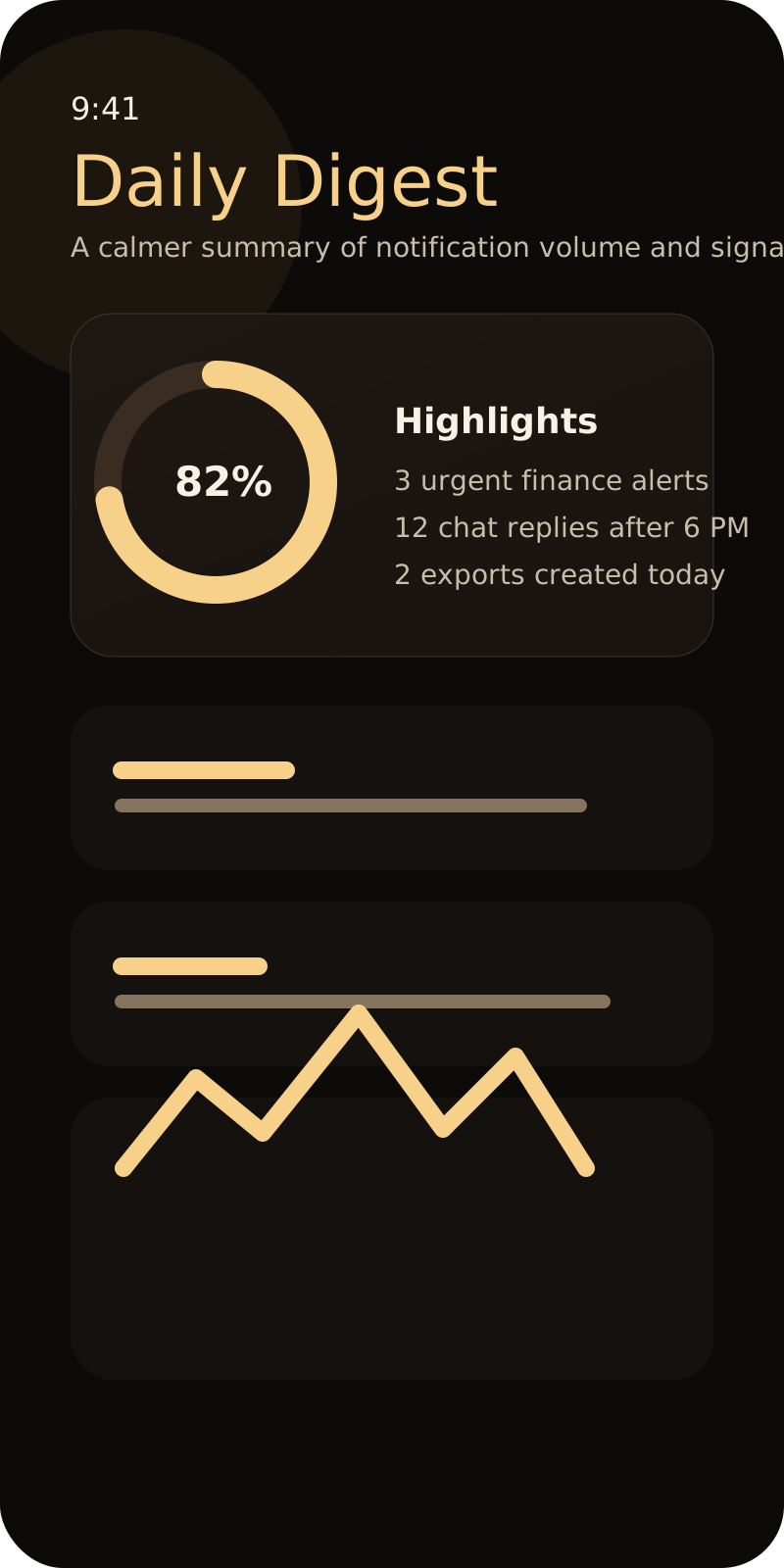
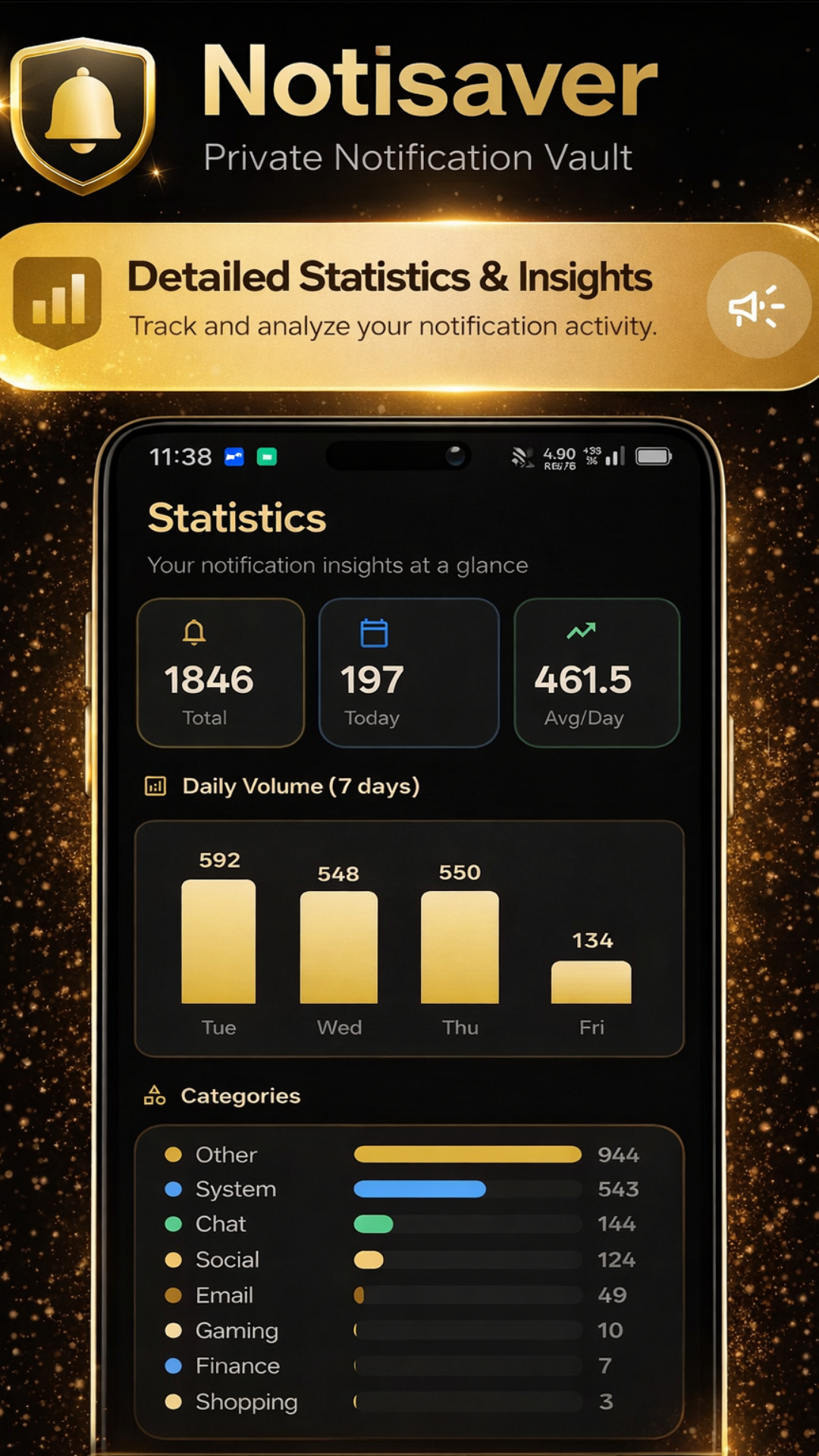
A lightweight summary cuts through noise and surfaces what happened across the day.
Backup packages are locked with AES-256-GCM, keeping exportable history protected on-device.
Move notification history into CSV, JSON, PDF, or TXT depending on whether you want speed, structure, or print.
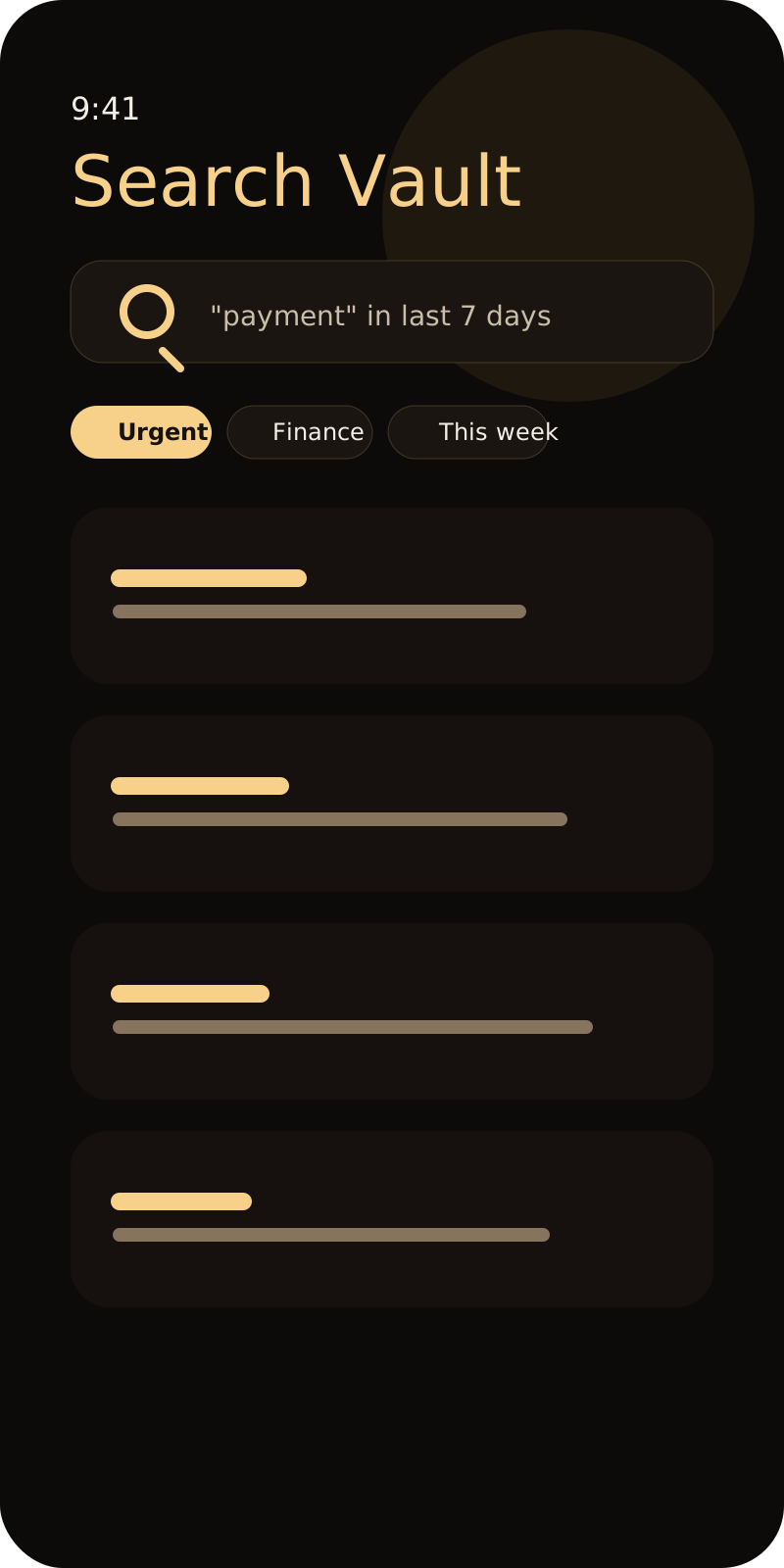
Track exact words and get faster visibility into finance, delivery, work, or family updates.
Biometric access and home screen widgets combine privacy with quick-glance convenience.
Screenshots
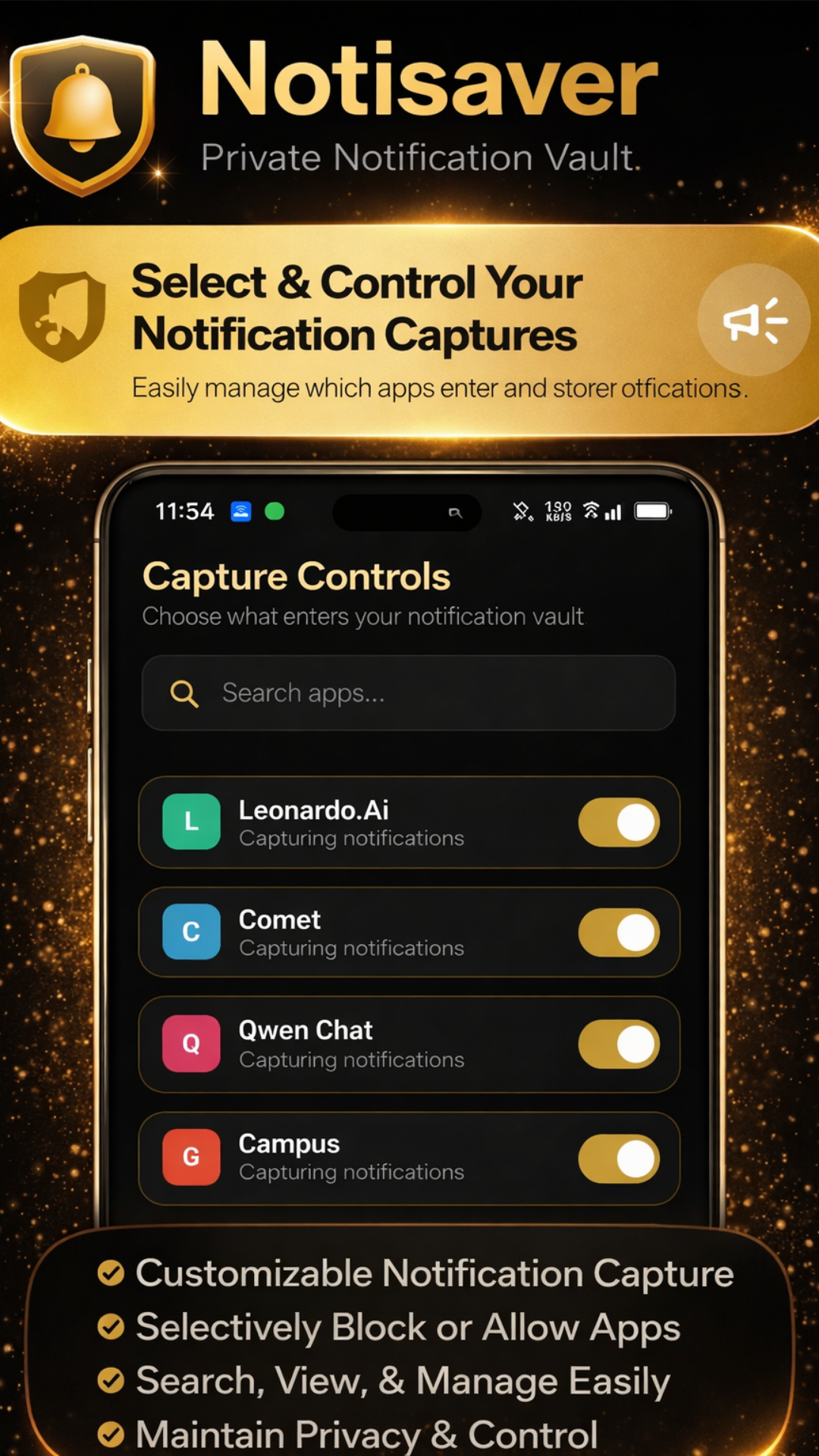
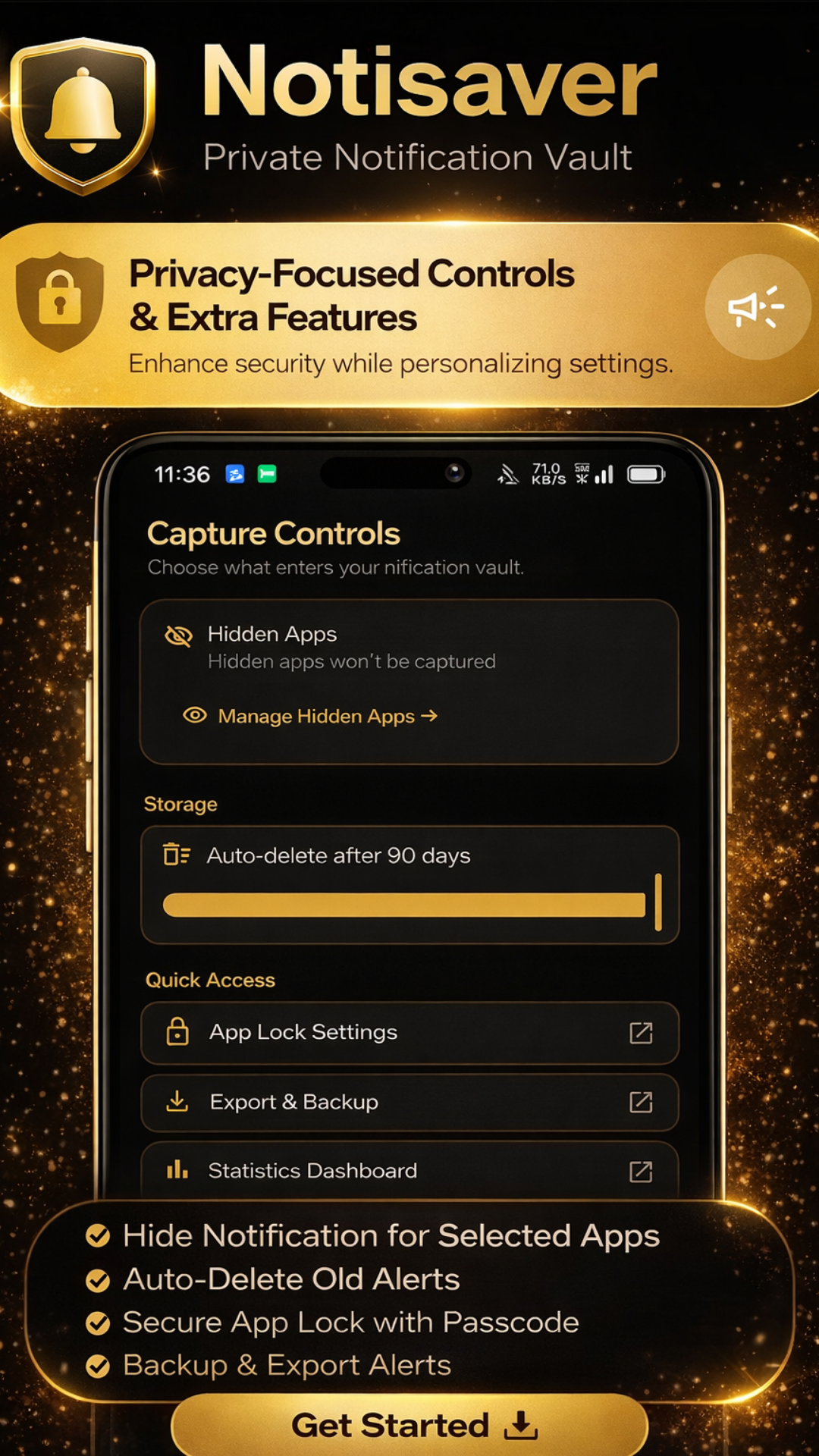
Clean interface, dark theme, and fast navigation designed around notification recovery.
Free vs Pro
Start free with powerful notification tools. Upgrade to Pro when you want unlimited access and premium features.
Free
₹0 forever
Pro
₹79 /month
How it works
Get started in under a minute with zero configuration needed.
Once enabled, Notisaver starts archiving eligible notifications from supported apps.
Search, thread, tag, and prioritize alerts inside one dashboard built for quick retrieval.
Save the important records, encrypt backups, and add app lock when privacy matters more than speed.
The story
I built Notisaver because I was tired of swiping away notifications and regretting it five minutes later. Important messages from banking apps, delivery updates, work alerts, all gone in a flick.
No existing app handled it the way I wanted: private, fast, and actually searchable. So I built one. Notisaver runs entirely on your device, never uploads your data, and treats your notification history like it matters, because it does.
This is a solo indie project. No VC funding, no data harvesting, no 47-person growth team. Just a useful app that does what it says.
- Quazi Sahil
FAQ
Quick answers to common questions about Notisaver.
No. All notification data stays on your device. Nothing is uploaded unless you explicitly create a backup or export.
Yes. Per-app capture controls let you mute apps you do not want archived.
No. You read the notification content inside Notisaver without opening the original messaging app, so no read receipts are triggered.
Pro (₹79/month) unlocks unlimited notifications, removes all ads, adds unlimited keyword alerts, CSV/JSON/PDF/TXT export, AI daily digest, smart priority tagging, and PIN/biometric app lock.
Download the APK on Android, allow installs from your browser if Android prompts for it, then open the package and complete installation.
Open the Pro screen in the app and use the restore code you received after purchase. If you lost the code, email peakliterature@gmail.com with your payment details for manual recovery.
Download
Get the latest version directly from our website. No app store wait times, no account required.